-
Welcome to our cluster configurator!
Cluster Espresso will help you to design your cluster. At the end of this wizard, you can request a free budget estimation supplied with our HPC experts device.
In the next pages you'll be asked to configure:
| 1 |
Cluster type |
| 2 |
Rack |
| 3 |
Front-end |
| 4 |
Computing nodes |
| 5 |
Interconnection |
| 6 |
Storage |
| 7 |
Consolle |
| 8 |
Uninterruptible Power Supply (UPS) |
| 9 |
Software |
| 10 |
Warranty and support service |
Use the Next and Previous buttons to move across the pages.
Note: you may found explanations about the technical terms used in this wizard inside our glossary
-
1/10 - Cluster type
Please, first of all choose the cluster type you need:
| Cluster type |
|
Let's define the approximate cluster size. This usually requires to choose the number of computing nodes, but Cluster Espresso allows you to specify also other kind of information (available budget, processors number, computing power).
If you fill these fields too, our HPC experts may optimize the cluster hardware and software configuration and give you useful advices and suggestions:
-
2/10 - Rack
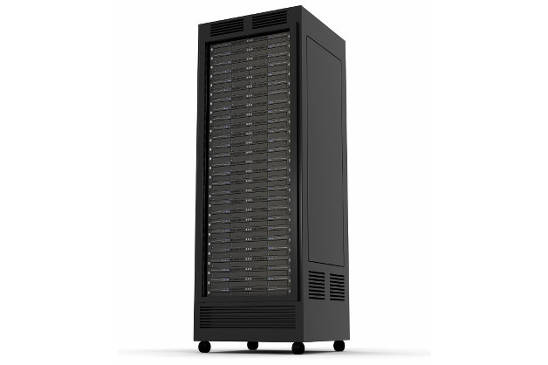
Where are you going to put the cluster? The best arrangement is in a rack, inside a conditioned room equipped with a uninterruptible power supply. Please, choose the rack capacity according to the initial cluster size but also taking into account possible future expansions.
-
3/10 - Front-end
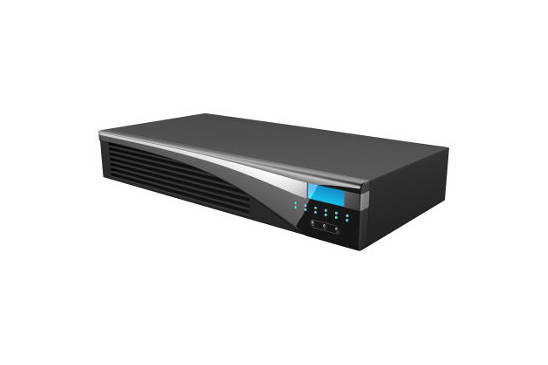
Let's configure the front-end, the main computer acting as an interface between the cluster and its users. It's a good thing to have a RAID1 disk array and a redundant power supply in the front-end.
-
4/10 - Computing nodes
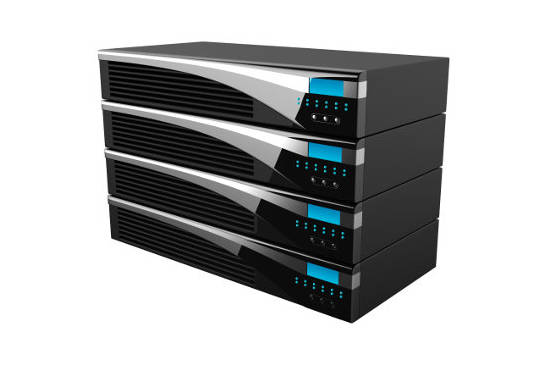
Let's configure the computing nodes. The objective is to obtain the maximum performance for the applications that will be used on the cluster. Please, make your configuration. According to the application field you specified, we could send you our suggestions.
|
Computing nodes |
|
|
Kind |
|
|
Processor type |
|
|
RAM (GB) |
|
|
Disk type |
|
|
Disk size (GB) |
|
|
Number of hard-disks |
|
|
IPMI remote control |
|
|
Power supply |
|
-
5/10 - Interconnection
Let's define how to interconnect the cluster nodes. All the nodes are equipped with a couple of Gigabit Ethernet (1Gbit/s) interfaces, you may choose to use this type of networking or another high speed dedicated interconnection. Also in this case, we will take care to suggest you some possible improvements according to the specified application field.
Other (please, specify):
-
6/10 - Storage
Let's configure the storage. In case you would need a large and a reliable storage unit, in addition to the space available on the front-end, here you may configure a storage.
-
7/10 - Consolle
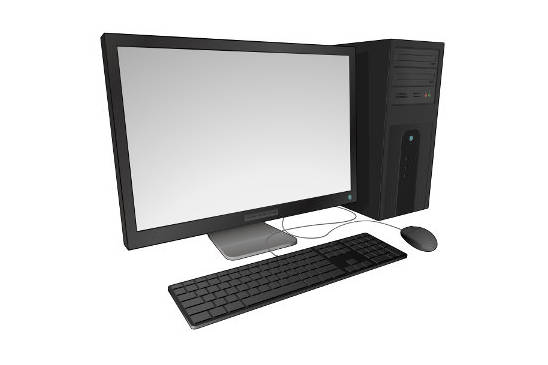
Let's choose the consolle, in order to have a monitor, keyboard and mouse connected even just to the front-end. The consolle is mainly used for cluster setup, maintenance and diagnostics. The consolle can be connected to all the cluster nodes through a KVM switch.
-
8/10 - Uninterruptible power supply
Let's choose the uninterruptible power supply. The UPS is important to protect cluster components from sudden voltage changes, to overcome short black-outs and to perform a controlled shutdown in case of long black-outs.
Insert a value concerning the power in the apposite field (VA or W), if you already own an estimation. Otherwise you may leave this field empty, we will dimension the UPS appropriately.
-
9/10 - Software
Let's configure the software platform. Our company is specialized in delivering ready to use cluster solutions, equipped with all the necessary software.
| Operative system |
|
| Middleware |
More information at Aethia HPC Suite
|
| Parallel filesystem |
|
| MPI |
|
| Optimized compilers |
|
| Resource manager |
|
Other software packages, libraries or services required:
-
10/10 - Warranty and support service
Please, choose the support service. The basic service includes 2 years of hardware guarantee and 1 year of remote software assistance. You may customize here the support service according to your needs.
Hardware guarantee
Software assistance
-
Please, choose now how to proceed:
| Offer |
|
PDF summary |
|
By leaving your contact details you'll receive a free estimation with a technical advice from our HPC experts, besides a cluster configuration summary in Pdf format.
|
|
If you are not interested in a budget estimation, by leaving your email address you'll receive only the cluster configuration summary in Pdf format.
|
 |
|
 |
-
The end!
Cluster configuration has been completed!
Thank you for using Cluster Espresso.
By a few days you will receive a free estimation correlated with a technical advice from our HPC experts.
In order to make this service more and more useful and complete, please leave here a comment or suggestion: